Coffee Block Jam: Puzzle Blast1.0.13
Publisher Description

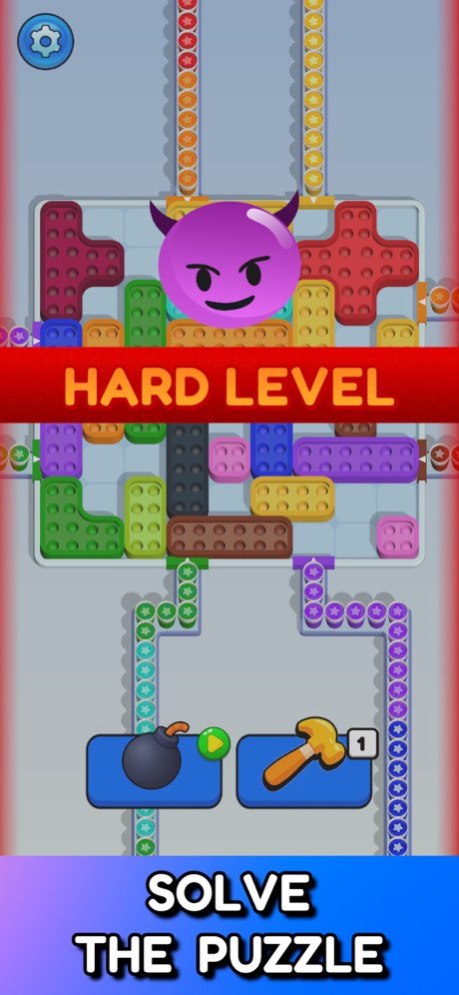
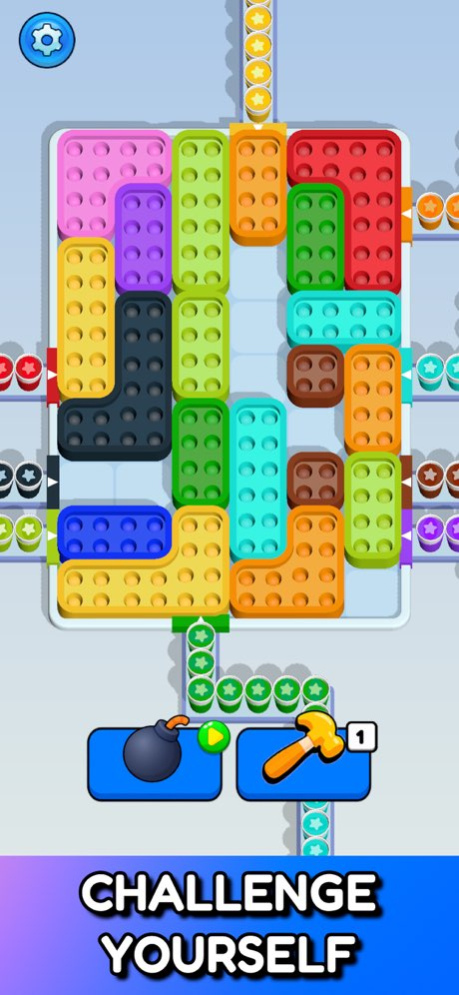

・Are you ready for color sort, stack, match, and make a relax time?
・You can play splendid free coffee puzzle game feel like no ads!
・Just Playing splendid jam color blast puzzle game with a cup of coffee!
How to play:
Move coffee blocks to their matching colored
Think your moves to complete the puzzle and test your brain IQ.
Every level has a new challenge, so you should find the most efficient way to clear the coffee blocks.
Version History bug fix. 1.0.13 09/04/2025 bug fix. 1.0.12 09/02/2025 bug fix. 1.0.11 08/27/2025 bug fix. 1.0.10 08/22/2025 bug fix. 1.0.9 08/21/2025 bug fix. 1.0.7 08/08/2025 bug fix. 1.0.6 07/26/2025 bug fix. 1.0.5 07/17/2025 bug fix. 1.0.4 07/09/2025 bug fix. 1.0.3 06/25/2025 bug fix. 1.0.2 06/11/2025 1.0.1 06/04/2025
About Coffee Block Jam: Puzzle Blast
The company that develops Coffee Block Jam: Puzzle Blast is SVC Games inc.. The latest version released by its developer is 1.0.13.
To install Coffee Block Jam: Puzzle Blast on your iOS device, just click the green Continue To App button above to start the installation process. The app is listed on our website since 2026-10-14 and was downloaded 0 times. We have already checked if the download link is safe, however for your own protection we recommend that you scan the downloaded app with your antivirus. Your antivirus may detect the Coffee Block Jam: Puzzle Blast as malware if the download link is broken.
How to install Coffee Block Jam: Puzzle Blast on your iOS device:
- Click on the Continue To App button on our website. This will redirect you to the App Store.
- Once the Coffee Block Jam: Puzzle Blast is shown in the iTunes listing of your iOS device, you can start its download and installation. Tap on the GET button to the right of the app to start downloading it.
- If you are not logged-in the iOS appstore app, you'll be prompted for your your Apple ID and/or password.
- After Coffee Block Jam: Puzzle Blast is downloaded, you'll see an INSTALL button to the right. Tap on it to start the actual installation of the iOS app.
- Once installation is finished you can tap on the OPEN button to start it. Its icon will also be added to your device home screen.
Program Details
System requirements
Download information
Pricing
Version History
version 1.0.13
posted on 2026-10-14
Version History bug fix. 1.0.13 09/04/2025 bug fix. 1.0.12 09/02/2025 bug fix. 1.0.11 08/27/2025 bug fix. 1.0.10 08/22/2025 bug fix. 1.0.9 08/21/2025 bug fix. 1.0.7 08/08/2025 bug fix. 1.0.6 07/26/2025 bug fix. 1.0.5 07/17/2025 bug fix. 1.0.4 07/09/2025 bug fix. 1.0.3 06/25/2025 bug fix. 1.0.2 06/11/2025 1.0.1 06/04/2025
version 1.0.13
posted on 2025-09-04
bug fix.
